
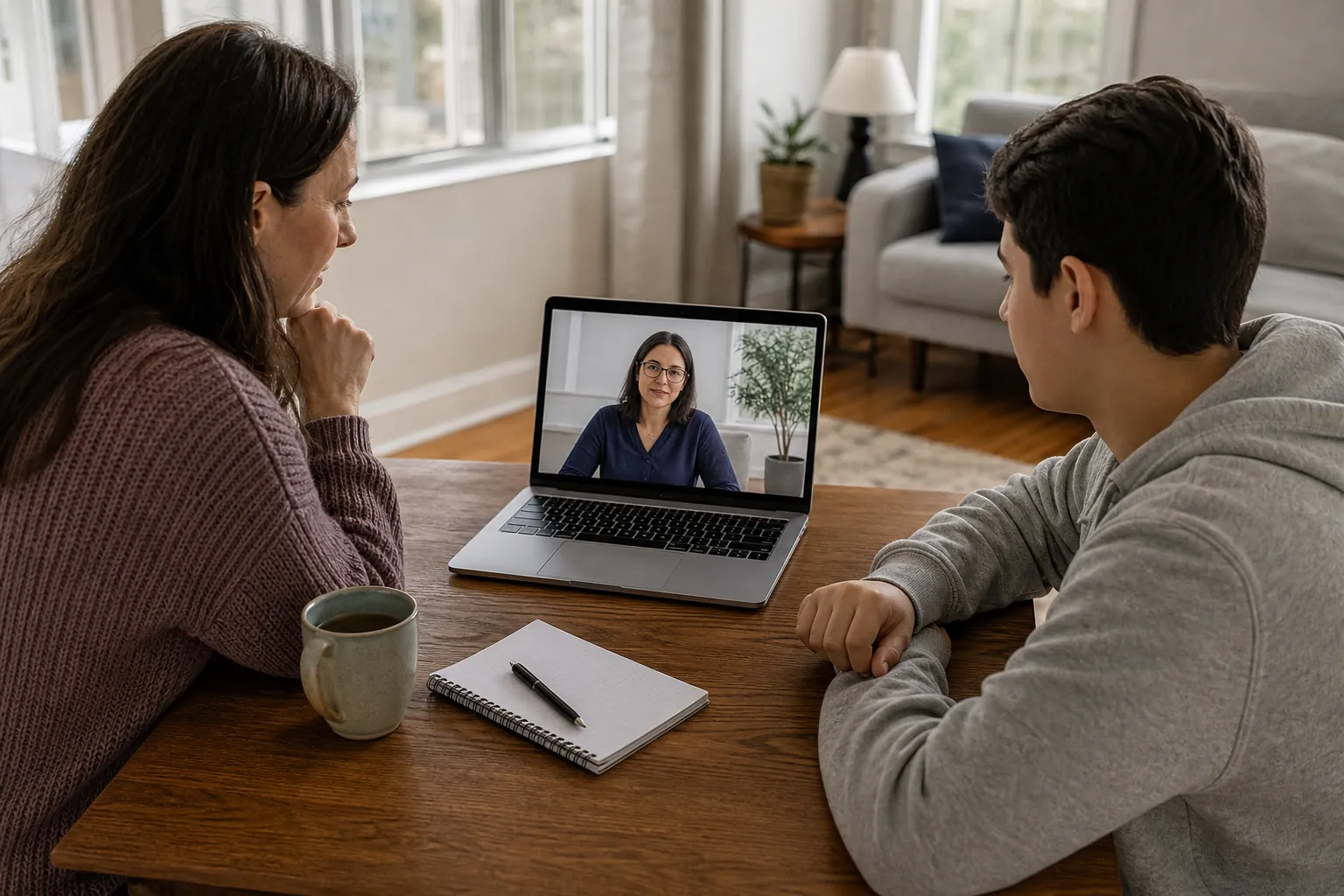
Protecting privacy starts with separate logins, quiet space, and planned device access. For adults considering virtual mental health iop on a shared device, each matters. MVBH offers Virtual IOP through its care options in Amesbury, MA. These steps can reduce exposure, though shared devices still have limits.
What Should You Know About virtual mental health iop on a shared device?
Start by separating what others can see, hear, and open. A private login helps, but it doesn't protect the whole room. Explore outpatient mental health care and mental health admissions while considering your setup. Device access and personal space both shape privacy during sessions.
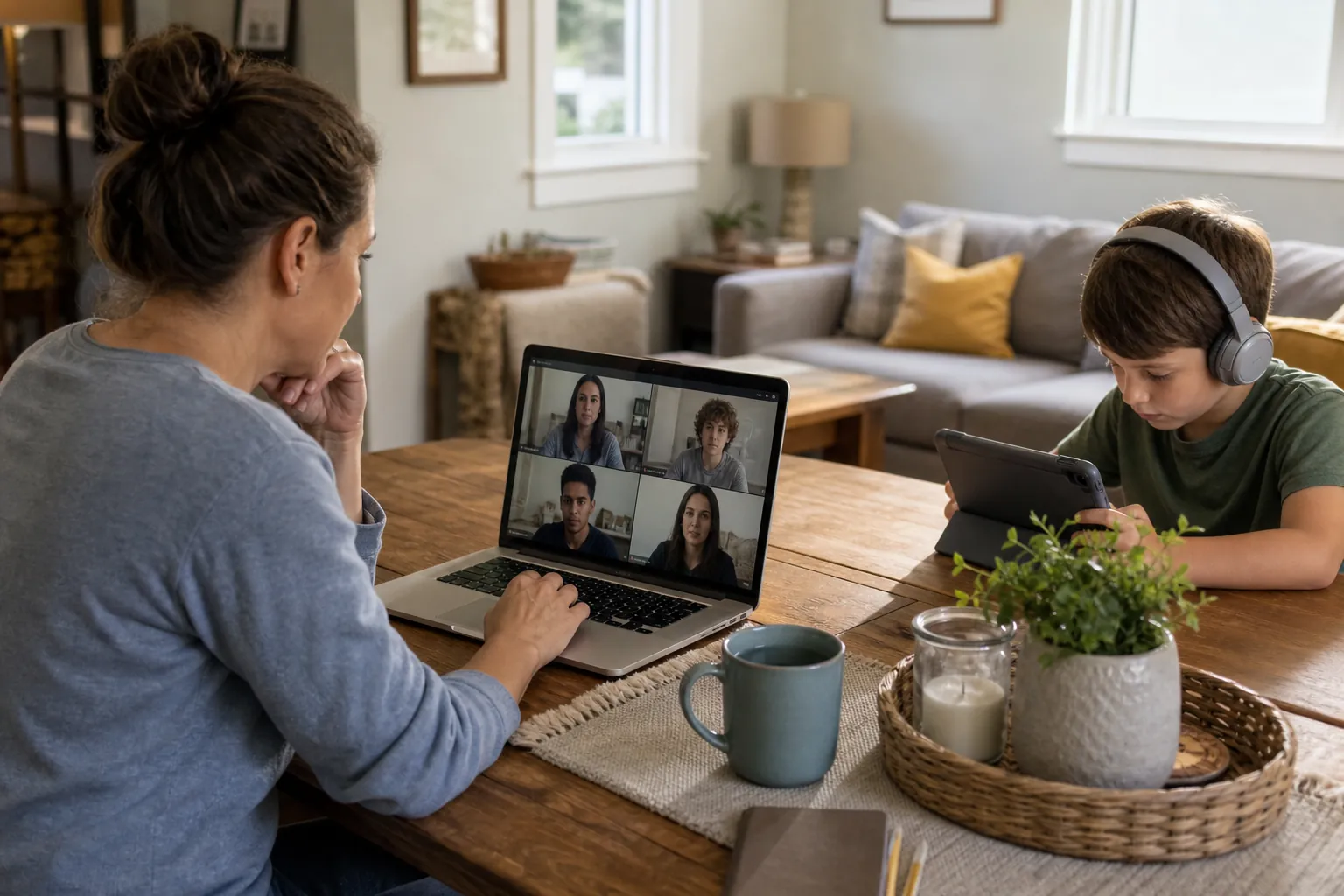
IOP means intensive outpatient program, called Half Day Treatment at MVBH. Virtual IOP lets participants attend remotely rather than at the care site. Participants must be physically in Massachusetts during their sessions.
A shared device creates several separate privacy concerns. Someone might open your account after you finish using it. They might see an alert while using the computer themselves. They could also hear a session from the next room.
No single setting addresses all three concerns at once. A separate account won't stop sound passing through a door. Headphones won't remove a saved password from a shared browser. Each part of the setup needs its own simple safeguard.
Think about the device, the room, and the time needed. You don't need to own a new computer before calling. You can describe a shared-device concern in plain terms. A call can begin the process of talking about your needs.
Remote care is one way mental health support can reach people. NIMH describes care delivered by a therapist at a distance. This explains remote care generally, rather than MVBH's specific tools. NIMH: Psychotherapies.
Privacy can mean different things within the same home. You may feel comfortable sharing that you attend care. You may still want your words and session details kept private. Sharing a device doesn't mean giving others access to those details.
How Do Separate Accounts And Notifications Help?
A separate device account can keep everyday use apart from care. It works best when other users don't know its password. Visit outpatient mental health care or contact MVBH care for program information. Check alerts too, since they may appear outside an open account.
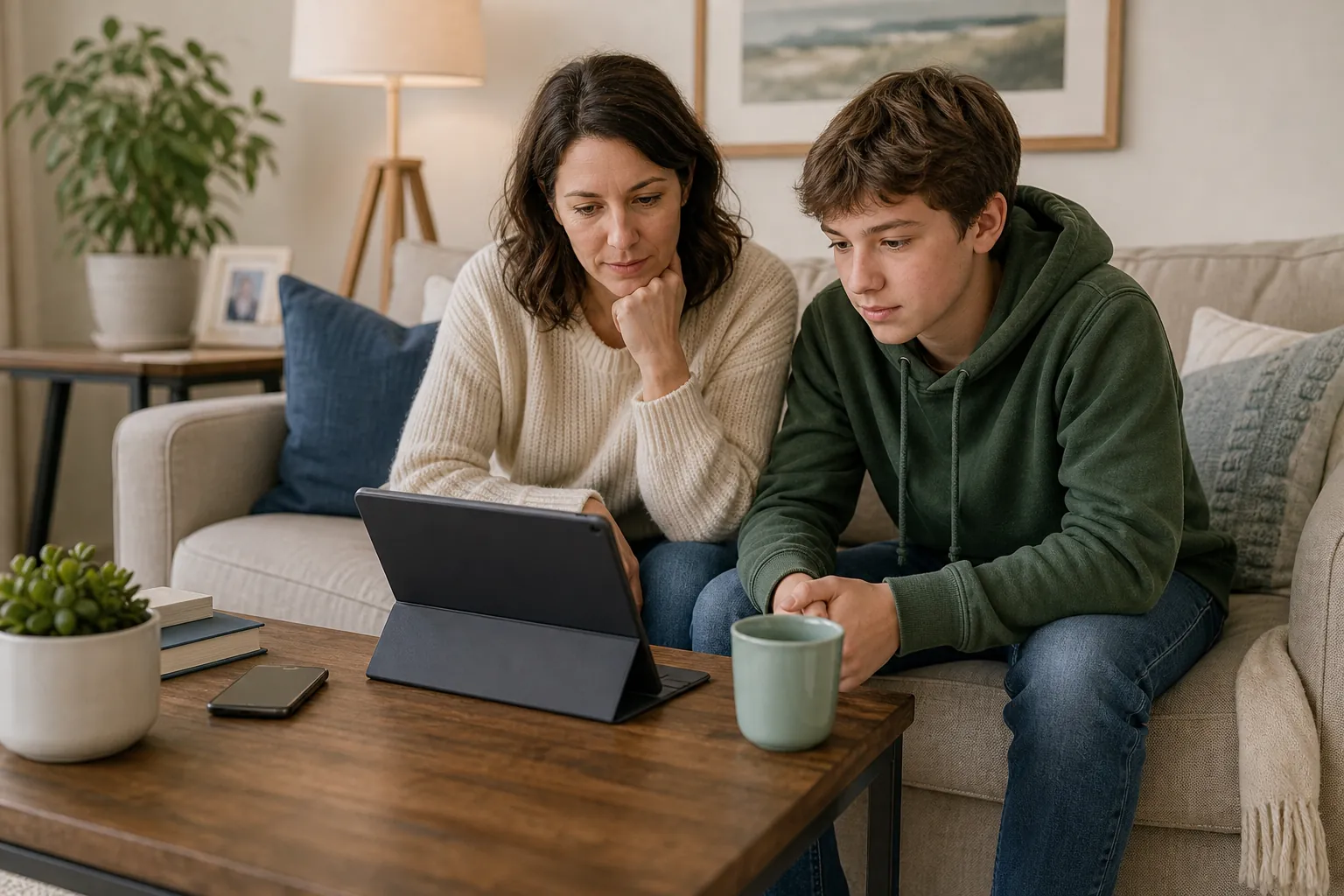
Many computers allow each person to have their own login. That can help keep browser use and files separate. It doesn't mean every account has the same privacy controls. Someone with device management access may have broader control.
A browser profile is different from a full device account. It may separate bookmarks and saved logins within one browser. Other household users may still be able to open that profile. Treat it as a useful tool with clear limits.
- Use a separate device login when the shared computer supports one.
- Keep your account password private rather than sharing it with household users.
- Turn off message previews where alerts might reveal personal care details.
- Sign out of care-related accounts when you finish using the device.
- Check which accounts remain open before another person uses the computer.
Email and calendar alerts deserve attention alongside session access. A message subject may reveal more than you meant to share. A calendar reminder may appear while someone else uses the device. Review preview settings on any linked devices you use.
Shared passwords can weaken the value of a separate login. Choose a password that other household members don't already use. Avoid storing it in a place everyone can easily open. Use a secure method that fits your device and needs.
These are practical options, rather than conditions for seeking care. You don't have to change every setting before reaching out. If account separation isn't possible, explain that limit when discussing care. Avoid making device changes that could place you at risk.
What Should You Do About Browsers And Saved Files?
Keep care-related browser use separate, and review what stays saved afterward. Closing a tab may leave an account signed in. For care details, visit outpatient mental health care and mental health admissions. Practical privacy steps should support care without becoming a barrier to calling.
Browsers may keep history, saved passwords, or open session tabs. Downloads can remain in a folder that other users open. A document's name may reveal its purpose without being read. Check where files land before saving sensitive information.
Private browsing has limits and varies by browser. It doesn't make the whole device or room private. Files you download may remain after the browsing window closes. It also doesn't prevent someone from seeing the screen nearby.
- Sign out of your account instead of only closing the browser tab.
- Avoid saving care-related passwords in a browser that everyone shares.
- Check download folders for personal files left after using the device.
- Keep shared bookmarks and desktop shortcuts free of sensitive session details.
- Review cloud folders before saving documents that could sync elsewhere.
A shared cloud account can link several household devices. A file saved on one computer may appear somewhere else. The same concern can apply to photos and screenshots. Review the account in use before saving personal material.
Deleting a local file may leave another copy elsewhere. That could include cloud storage, email, or a trash folder. Avoid assuming one deletion removes every copy of a document. If you're unsure, limit unnecessary copies in the first place.
You don't need to erase all ordinary device use. Focus on care-related accounts and files you control. Leave other household users' accounts and documents alone. If the device is managed by someone else, settings may be restricted.
That limit matters more than a long cleanup routine. A computer you can't control may need a different plan. Bring that concern into the discussion about your needs. These steps aren't a substitute for deciding if the setup fits.
How Can You Keep The Session Space Private?
Choose a space where others are less likely to overhear. Headphones help with incoming sound, but your voice remains audible. Explore outpatient mental health care and contact MVBH care when space is a concern. A closed door helps only when household members respect that boundary.
Think about who can enter or pass through the room. A bedroom may still be shared during the day. A kitchen table may place your screen in full view. The best available spot depends on how your home works.
Headphones can keep other participants' voices from playing through speakers. They won't stop someone nearby from hearing your responses. A quieter speaking voice may help, but shouldn't strain you. Privacy should leave room for clear, natural conversation.
- Place the screen where passing household members cannot easily read it.
- Use headphones to reduce sound playing into the shared room.
- Choose a room with fewer walk-throughs when that option is available.
- Keep personal papers and other people's details outside the camera view.
- Reduce nearby noise sources that could make conversation harder to hear.
A camera background may show more than you expect. Mail, photos, or work papers can reveal personal details. Move those items when you can do so safely. A plain background can reduce what others see behind you.
A background effect changes the image, rather than the room. It doesn't stop people entering or hearing your voice. Likewise, a closed door may still allow sound through. Try to account for both sight and sound.
A public setting creates a different set of concerns. Strangers may see the screen or hear parts of speech. A parked vehicle may lack comfort, privacy, or steady access. A location isn't suitable simply because it has internet service.
Don't participate while driving or while you need to watch traffic. If no workable private space exists, say so when discussing care. You don't need to disguise that problem to seek help. Space limits are part of the care-fit discussion.
How Can You Plan Reliable Access To The Device?
Set aside device access that doesn't depend on last-minute sharing. A household agreement can reduce conflicts over the same computer. Review outpatient mental health care and contact MVBH care for program information. Confirm actual timing directly rather than guessing from the program name or online searches.
Schoolwork, job tasks, and care may compete for one device. Even a private account won't solve a timing conflict. A plan should cover access to the computer and room. It should also allow time to sign out afterward.
- Identify when household members usually need the shared computer for other tasks.
- Set aside agreed device access based on the program timing confirmed directly.
- Include time to open your account and check your private space.
- Keep the charger available so low power doesn't disrupt device access.
- Decide how household members will handle an unexpected conflict over the computer.
- Leave time afterward to sign out and put personal files away.
A neutral calendar label may support a simple household boundary. You can reserve time without listing personal session details. That choice depends on what feels safe in your home. You don't owe every device user a full health explanation.
Power, internet access, and device updates can affect availability. Keep the charger where you can reach it easily. Avoid starting a large update just before planned device use. Check current technical needs directly instead of assuming every device works.
A backup device may seem like an easy answer. It may have different accounts, saved passwords, or privacy settings. Review those limits before relying on it for care. MVBH's current technical requirements need direct confirmation.
Don't assume a missed session can simply move to another time. Schedule details and attendance expectations need a direct program discussion. This article doesn't set those rules or offer make-up arrangements. A household plan works best with accurate program information.
Planning access is useful, but it isn't pre-call homework. You can call while the details are still unsettled. Describe the main limit without building a perfect setup first. Device concerns deserve a place in that conversation.
What If Someone Interrupts Or Needs The Device?
An interruption needs a calm plan that protects private conversation. Household boundaries can help, though they may not prevent every entry. Use contact MVBH care and mental health admissions to discuss practical limits. Don't assume a shared device must remain available to everyone during sessions.
A clear household agreement can make access less uncertain. It might reserve the room and computer for care time. Others can know the space is in use without knowing details. Keep the agreement simple enough for people to follow.
A door sign or neutral calendar entry may be useful. Neither replaces respect for the agreed boundary. Avoid displaying details that you want to keep private. A basic reminder can communicate that the room is occupied.
If someone enters, avoid continuing sensitive speech in their hearing. Use available mute controls when you need to pause speaking. Camera controls may help limit what others can see. Follow the program's guidance for managing an interruption.
Closing the laptop suddenly may cut off the session. Muting sound doesn't mean you have signed out afterward. These actions solve different parts of the problem. Learn the controls without treating any single button as complete protection.
Repeated interruptions deserve more attention than a one-time knock. They may show that the household agreement isn't workable. The same is true when another person regularly takes the device. Talk about that pattern rather than blaming yourself for it.
Some homes don't offer safe or respected privacy boundaries. If someone monitors your device, account changes may carry risks. Avoid steps that could place you in greater danger. Discuss a safer way to communicate when you can do so.
You don't need to share the contents of a session. You can explain that access and space are unreliable. That practical fact is enough to begin discussing the concern. The goal is a workable setting, rather than perfect household cooperation.
When Might Virtual Mental Health IOP On A Shared Device Not Fit?
A shared setup may not fit when privacy or access stays unreliable. The device alone doesn't determine the right level of care. Review outpatient mental health care and mental health admissions to explore next steps. A separate assessment lets you talk about your needs and circumstances.
One difficult day doesn't settle the whole care decision. A repeated problem can be more useful to discuss. Examples include frequent loss of access or people overhearing speech. These concerns matter alongside your mental health needs.
Other limits may involve a device you can't manage. You may be unable to create a private account. The only available room may have constant foot traffic. These are real constraints, rather than signs of poor effort.
Care planning should consider your individual needs and medical situation. NIMH recommends making treatment choices with a mental health professional. A privacy checklist can't replace that discussion or decide your care. NIMH: Psychotherapies.
MVBH offers Virtual IOP, IOP, PHP, and outpatient care. PHP means partial hospitalization program, called Full Day Treatment at MVBH. These are outpatient services in a non-hospital setting. This article doesn't assign a program based on your device.
Having a laptop doesn't establish that Virtual IOP fits. Sharing one doesn't automatically rule out seeking more information. The assessment and admission process considers more than technology. It is separate from a review of insurance benefits.
Trust and comfort matter in care conversations, according to NIMH. A setting where you constantly fear being overheard may affect comfort. Bring that concern into the discussion about your care needs. NIMH: Psychotherapies.
Keep the Massachusetts location rule in mind when making plans. You must be physically in Massachusetts during Virtual IOP sessions. Massachusetts residence alone doesn't meet that requirement while you're elsewhere. Device access does not change this location limit.
How Can You Start Without A Perfect Device Setup?
You can call before solving every device or space concern. Start with the practical limit that affects your privacy most. Visit insurance benefits review and contact MVBH care for next steps. Benefits review, assessment, and admission are separate parts of exploring care.
Call MVBH at 978-233-9597 to discuss care and shared-device concerns. You don't need a finished privacy plan before calling. MVBH is at 77 Elm St, Amesbury, MA 01913. Avoid using a speakerphone where others could overhear personal details.
Insurance coverage varies by plan and the requested care. Benefits verification reviews plan information, rather than deciding admission. It doesn't mean that every cost will be covered. Assessment and admission still require separate steps.
Keep urgent mental health concerns separate from device planning. A need for prompt assessment shouldn't wait for a perfect setup. Seek an urgent assessment when you need timely clinical review. Insurance review is not a crisis response.
For suicidal thoughts or emotional distress, call or text 988. This service connects people with a trained crisis counselor. NIMH describes it as confidential support available around the clock. NIMH: Help for Mental Illnesses.
For immediate danger, call 911 or go to an emergency room. These are emergency options, distinct from urgent assessment and 988 support. Don't wait for MVBH admission or insurance review in a crisis. NIMH: Help for Mental Illnesses.
MVBH doesn't provide emergency, inpatient, residential, or overnight care. It also doesn't provide onsite detox or withdrawal-management care. Virtual access doesn't change those service limits. This article offers practical education, rather than a personal care recommendation.
A shared device can make privacy planning more complex. Separate accounts, respected space, and reliable access can each help. Their limits still deserve an honest care discussion. You can begin with one simple call, even while details remain unsettled.
Frequently Asked Questions
Can I use a shared household computer for Virtual IOP?
A shared computer may be workable, depending on access and privacy. Separate logins, private space, and planned device time can help. They don't resolve every risk of sharing a device. Technical needs and care fit require direct discussion with MVBH. You must be physically in Massachusetts during sessions, even if the computer belongs to someone else.
Does a separate browser profile keep my care private?
A browser profile can separate bookmarks and saved logins. It isn't the same as a separate device account. Other users may still open the profile or see saved files. Review account access, alerts, and download locations as separate concerns. Private browsing also has limits and doesn't stop nearby people from seeing or hearing a session.
Are headphones enough when other people are home?
Headphones help keep incoming session sound from playing through speakers. They don't stop others from hearing your own voice. A quiet room, closed door, and respected household boundary may help. Consider who can enter or see your screen too. If private space remains unavailable, discuss that limit when talking about your care needs with MVBH.
Do I need to fix every privacy setting before calling?
No, you can call while device and space concerns remain unresolved. You don't need to finish a checklist before seeking information. Describe the main concern, such as shared passwords or frequent interruptions. MVBH can discuss the next steps in exploring care. Call 978-233-9597, using a setting where you can speak as privately as possible.
What happens after benefits review?
Benefits review checks information about your insurance plan and requested care. Coverage varies by plan, and costs may still apply. The review is separate from assessment and admission. An assessment lets you talk about your needs and circumstances. Reviewing benefits doesn't mean you have been admitted or that every part of care will be covered.
What if I need urgent help before Virtual IOP starts?
Don't wait for admission or insurance review during a crisis. Seek urgent assessment when you need prompt clinical review. For suicidal thoughts or emotional distress, call or text 988. For immediate danger, call 911 or go to an emergency room. MVBH doesn't provide emergency care. NIMH outlines these crisis and emergency resources: https://www.nimh.nih.gov/health/find-help.
Editorial status
Approved by Clinical Staff
Written by Tim Francis. This guide is educational. Read our clinical review and sources policy.